Reem Kamal • November 16, 2026
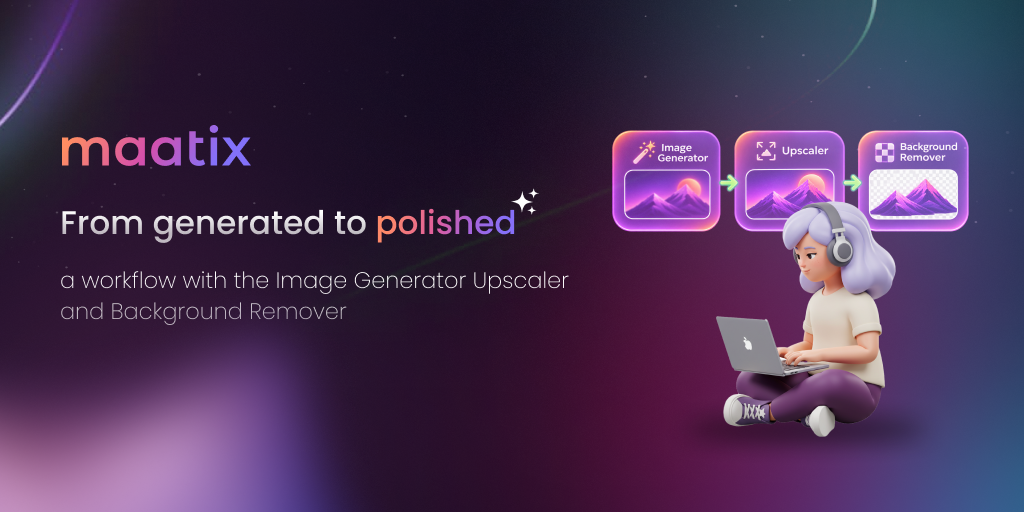
From generated to polished: a workflow with the Image Generator, Upscaler, and Background Remover

From Generated to Polished: AI Image Workflow | MaatixLearn how to turn AI-generated images into crisp, professional visuals using Maatix’s Image Generator, Upscaler, and Background Remover, step by step.We’ve all been there. You type a prompt, hit generate, and the AI gives you an almost perfect image. The idea is right, and the style is right, but it’s a little soft, the resolution is too small, and the background doesn’t fit your design.The good news is that you don’t have to start over. With a simple AI image workflow on Maatix, you can take that “almost there” image and turn it into something polished and ready to publish. All you need are three tools: the Image Generator, the Upscaler, and the Background Remover.Let’s walk through it together.Why a Workflow Beats a One-Click ResultGenerating an image is only the first step. Most professional-looking visuals go through a few stages before they’re