

Google Slides Templates
Discover cloud-ready, professionally designed Google Slides templates for every occasion.
Google Slides has become the go-to presentation tool for teams that value real-time collaboration, cloud accessibility, and seamless sharing. Whether you are a startup founder pitching to investors, a teacher preparing lesson plans, or a marketer building campaign decks, Maatix has a Google Slides template that fits your workflow.
Our collection features templates designed with Google Slides compatibility in mind. Every deck is delivered as an editable .pptx file that opens natively in Google Slides — preserving layouts, fonts, color schemes, and graphic elements. Simply upload to Google Drive, open, and start customizing with your own content, branding, and data.
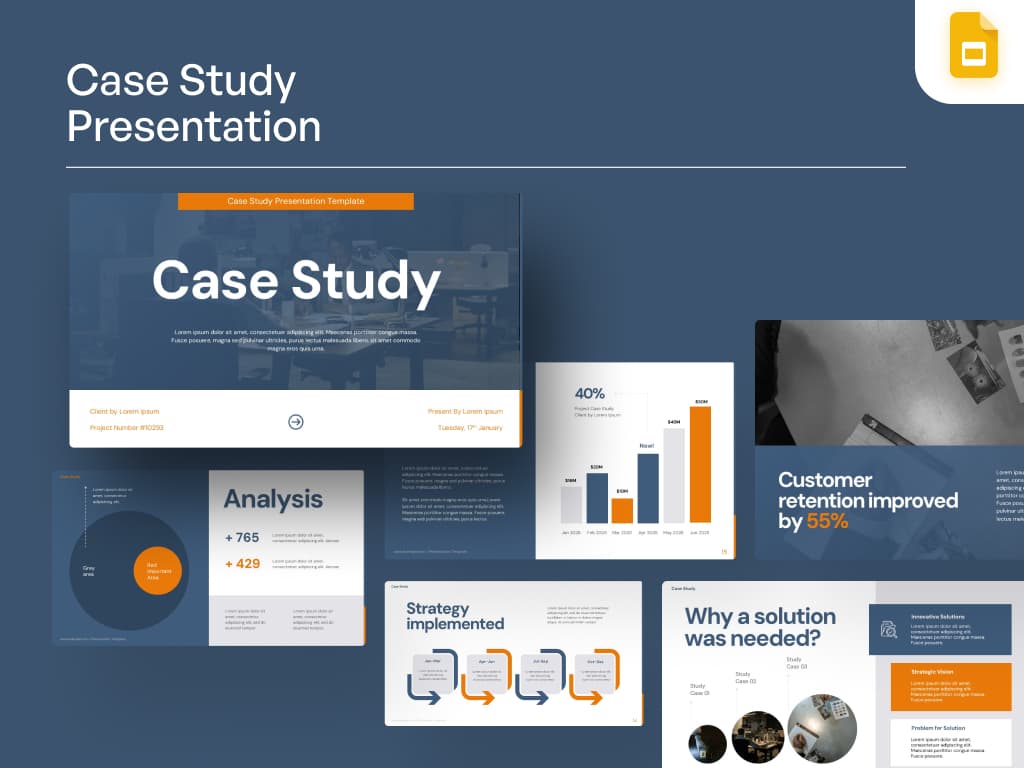
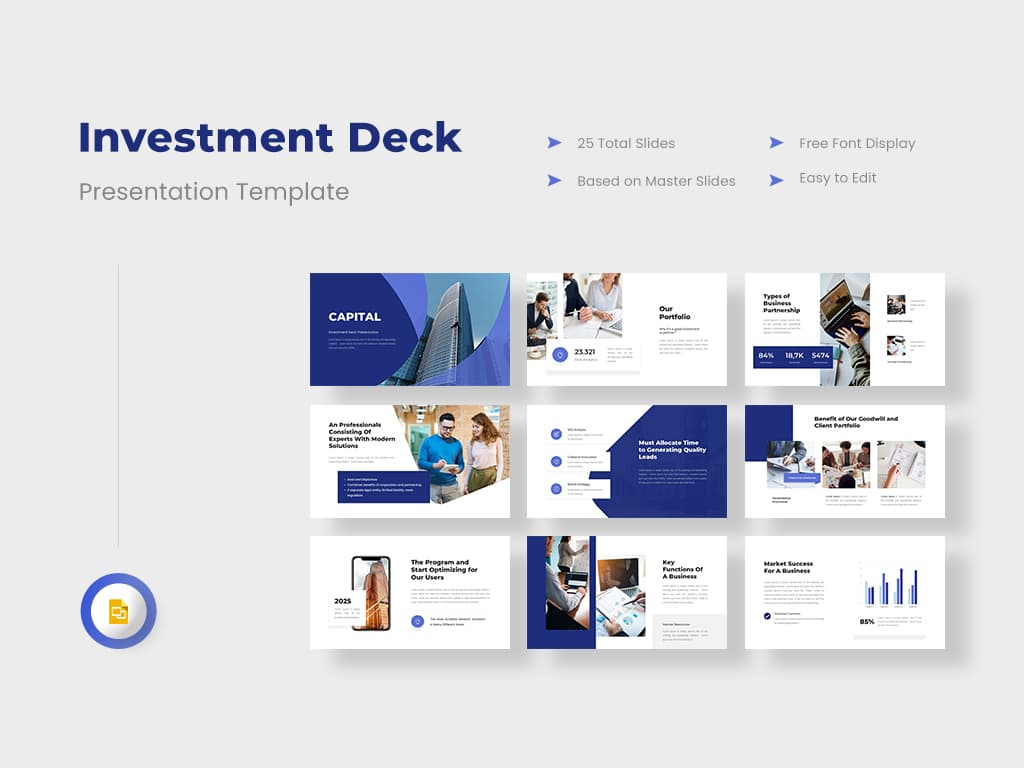
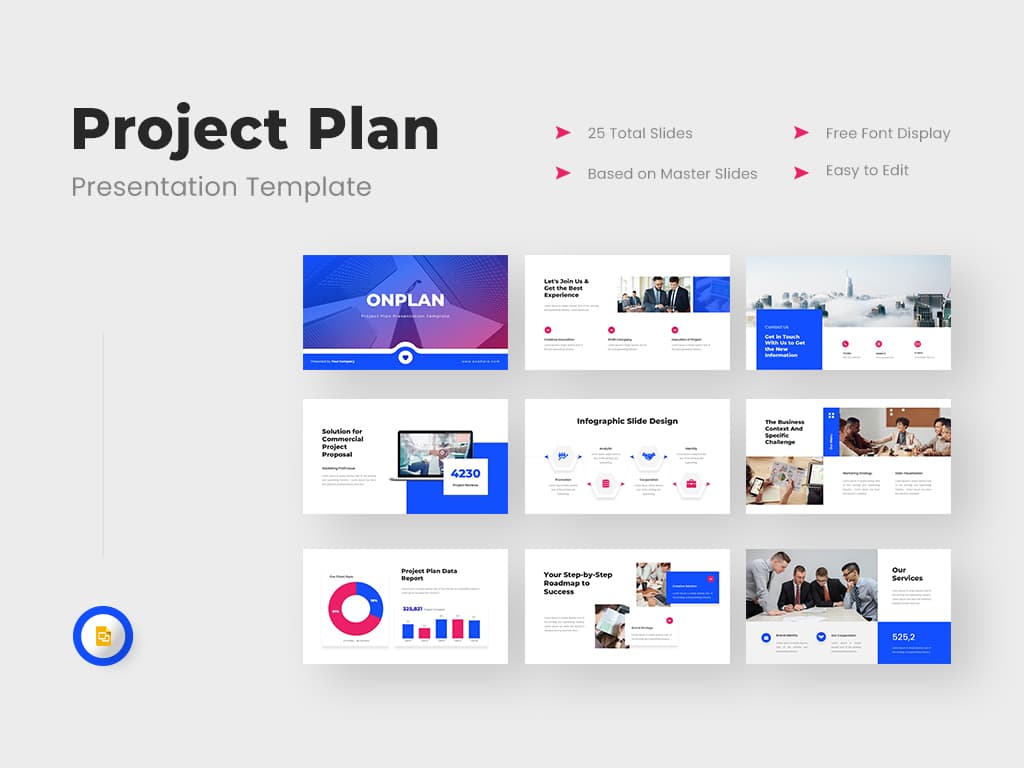
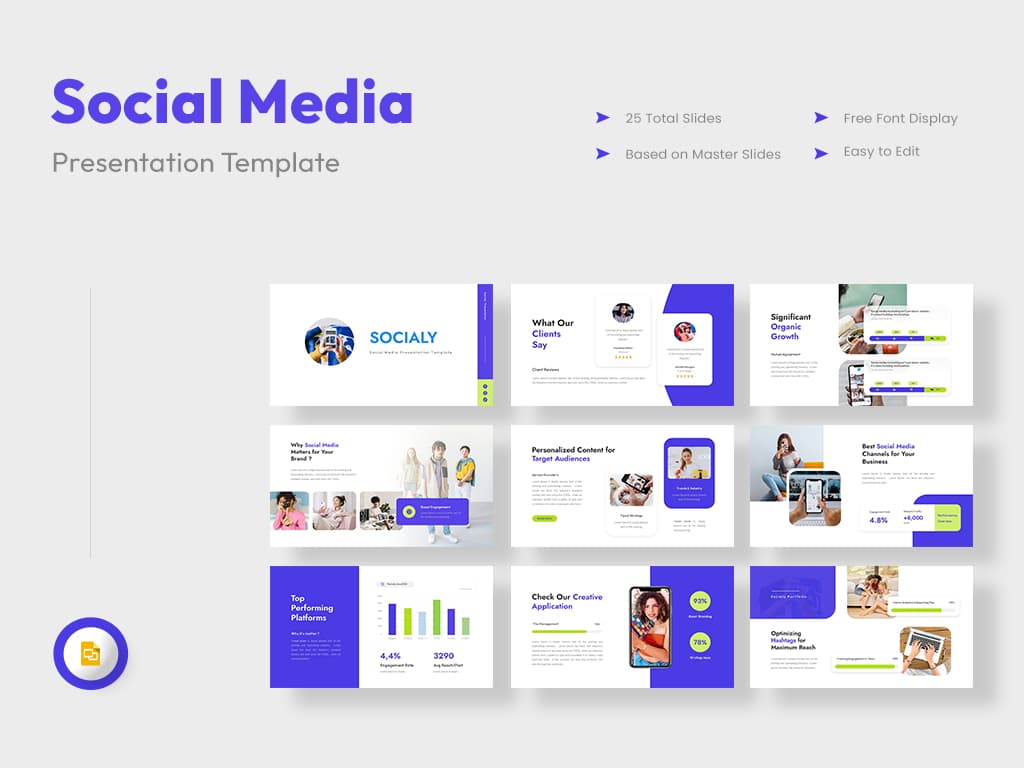
From minimalist slide decks to data-rich dashboards, our creators build templates for real-world use cases: quarterly business reviews, sales proposals, product launches, annual reports, academic research presentations, and creative portfolios. Each template includes purposeful slide types like title slides, agenda pages, team bios, comparison tables, timeline graphics, SWOT analyses, and thank-you closers.
Need a template that also works in PowerPoint or Keynote? Our cross-compatible files ensure your team can collaborate regardless of platform. Check out our PowerPoint Templates collection for more options, or explore other asset categories like Presentations, Icons, and Illustrations.
With prices starting at $1 and new templates added regularly by independent creators, building beautiful Google Slides presentations has never been easier or more affordable. Browse the collection below and find the perfect template for your next project.







Frequently Asked Questions
What Google Slides templates are available on Maatix?
Maatix offers a diverse library of Google Slides templates including business presentations, pitch decks, educational slideshows, marketing plans, project proposals, and creative portfolios. Every template features modern, clean designs with editable layouts, charts, icons, and infographics.
How do I use a Google Slides template from Maatix?
After purchasing, download the .pptx file and open it in Google Slides via Google Drive. Click File > Open and select the downloaded template. Google Slides automatically converts the PowerPoint format, preserving layouts, fonts, and design elements so you can start editing immediately.
Can I collaborate on these templates in real time?
Yes. Once you upload the template to Google Drive, you can share it with your team and collaborate in real time — just like any Google Slides presentation. Multiple people can edit simultaneously, leave comments, and suggest changes.
Are the templates free to download?
Maatix offers both free and premium Google Slides templates. Premium templates start at just $1 and include more advanced layouts, animations, and design elements. Free templates are a great way to explore what our creators offer before purchasing.
Will the templates look the same in Google Slides as in PowerPoint?
Our templates are designed to be cross-compatible. Core layouts, colors, text, and shapes translate seamlessly between PowerPoint and Google Slides. Some advanced PowerPoint-specific animations may need minor adjustments, but the overall design integrity is preserved.
Related categories: