Commercial License
The price evolves with demand - the more popular, the higher it goes!
$1.00

FULL VIEW
FULL VIEW
FULL VIEW
FULL VIEW
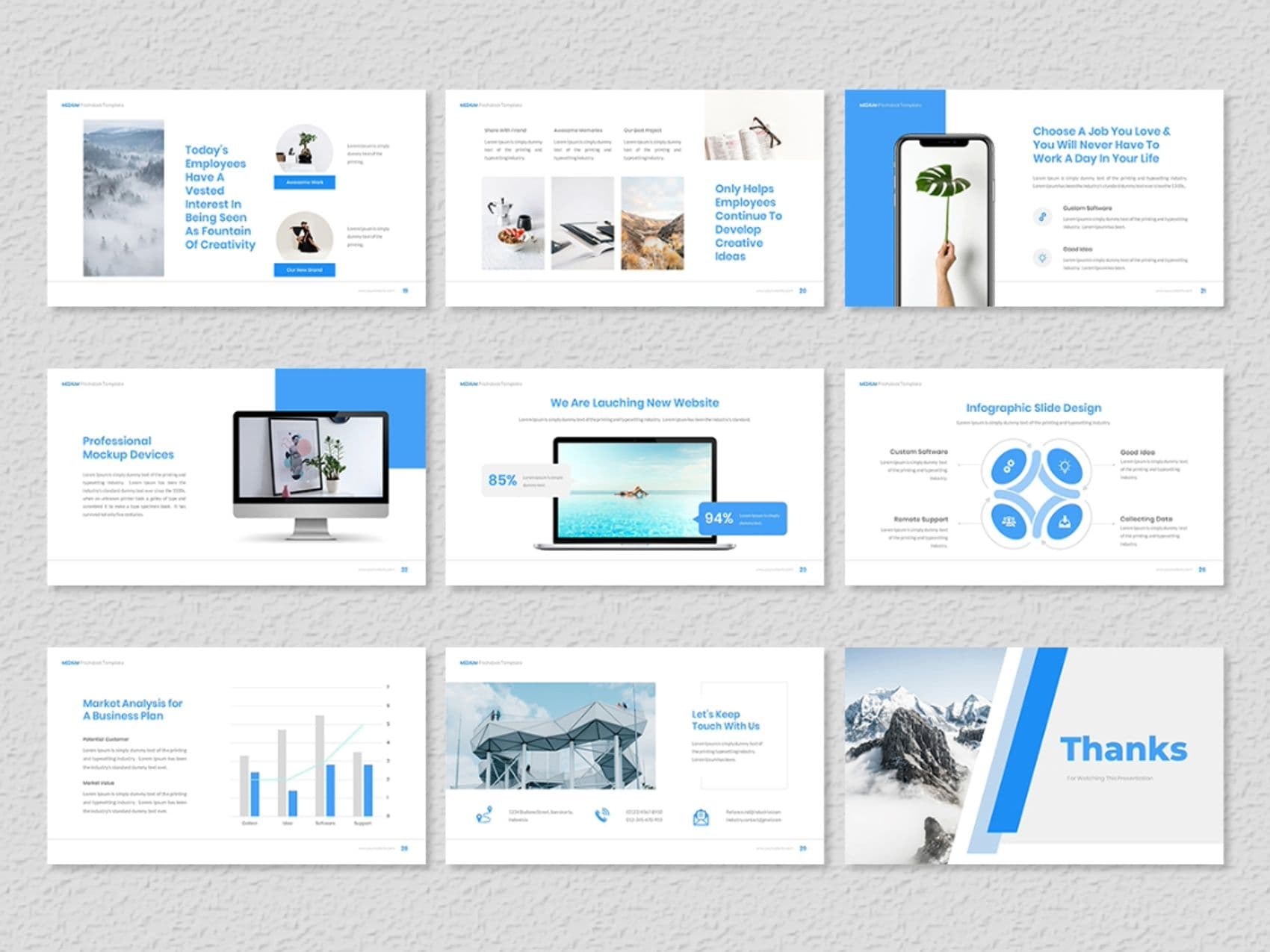
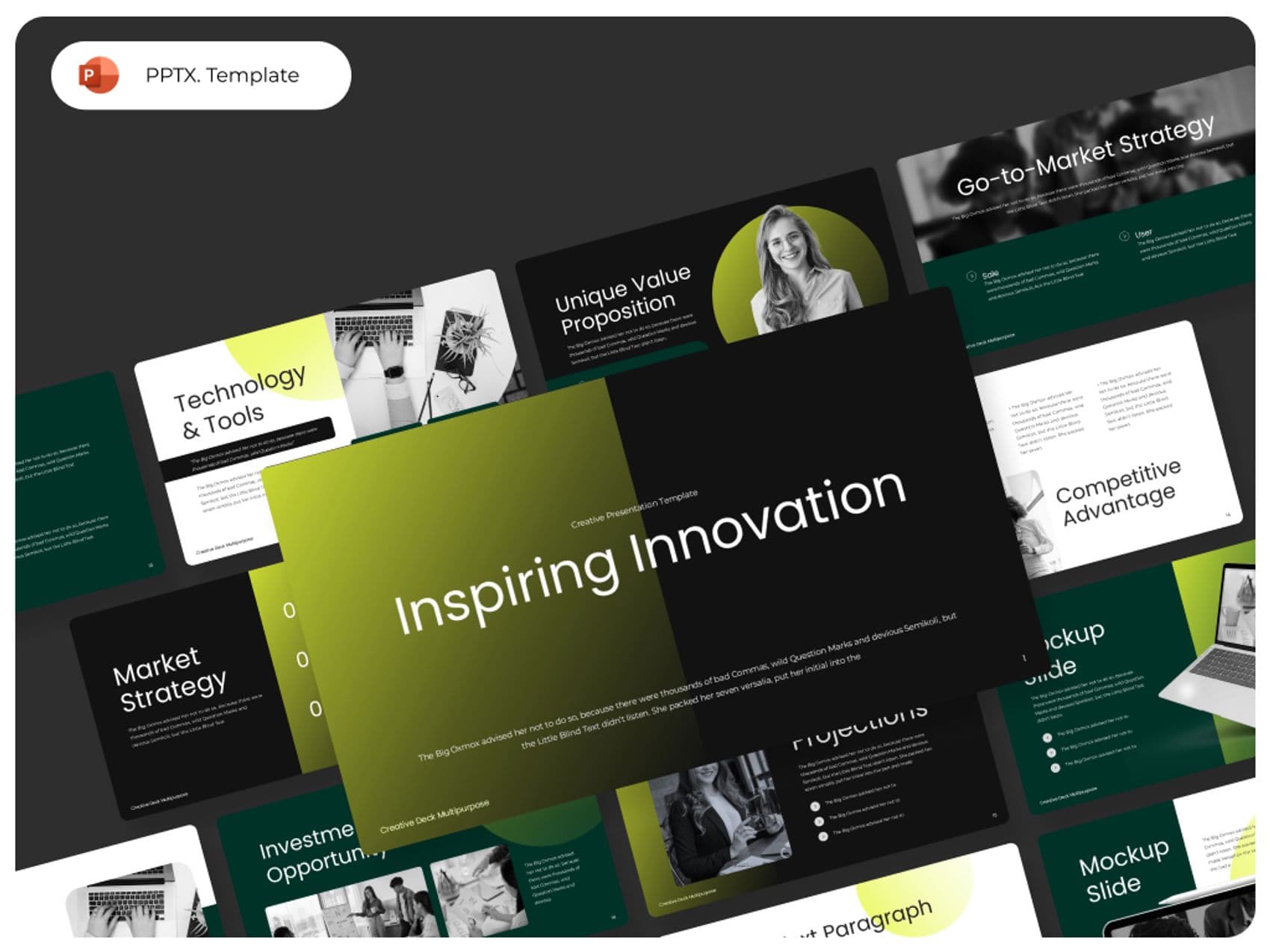
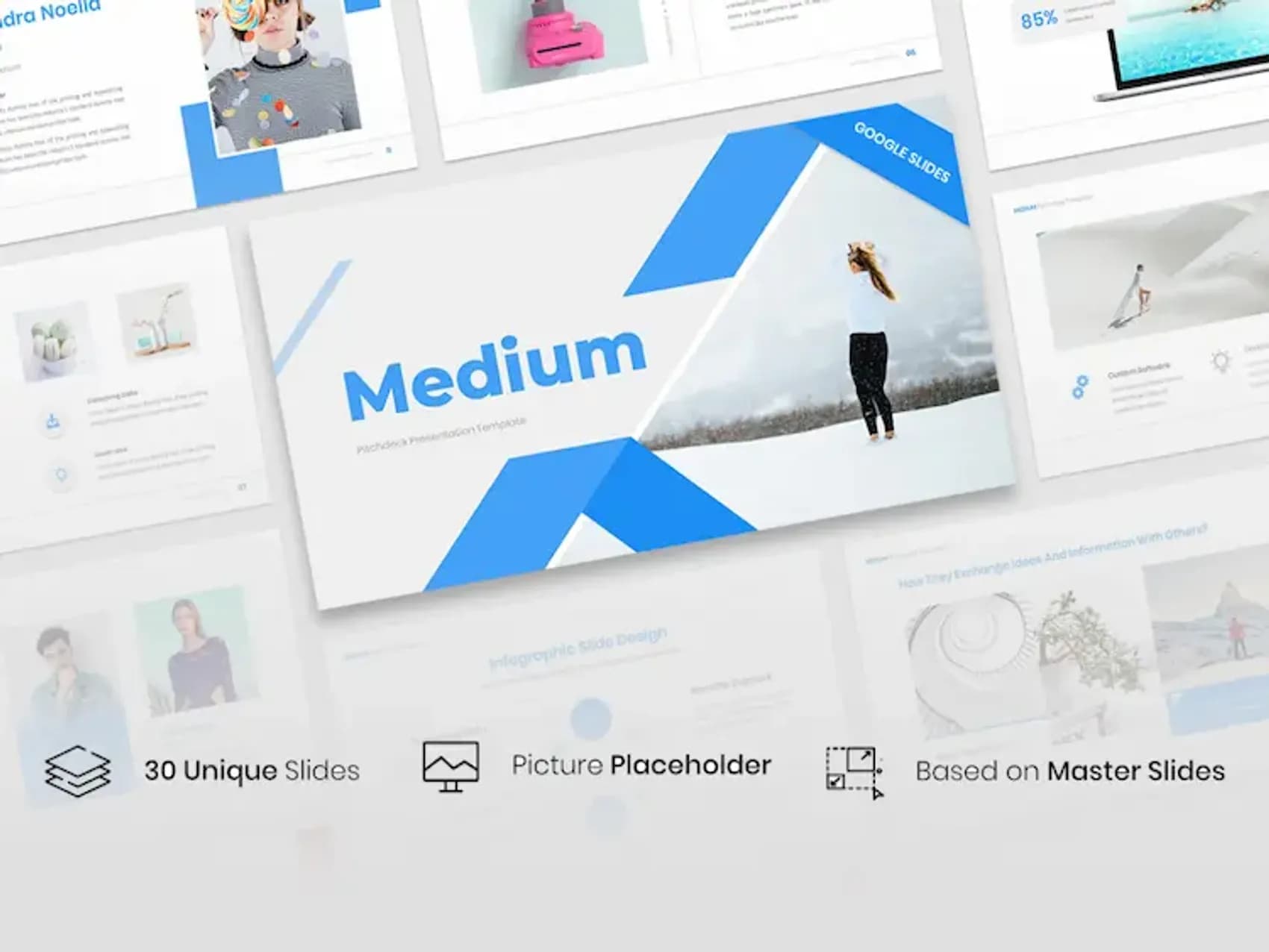
Looking for a professional and creative pitch deck template google slides? Our google slide deck templates are designed to elevate your presentations. The Medium Pitch Deck template serves as an optimal instrument for structured business idea and strategic presentation.
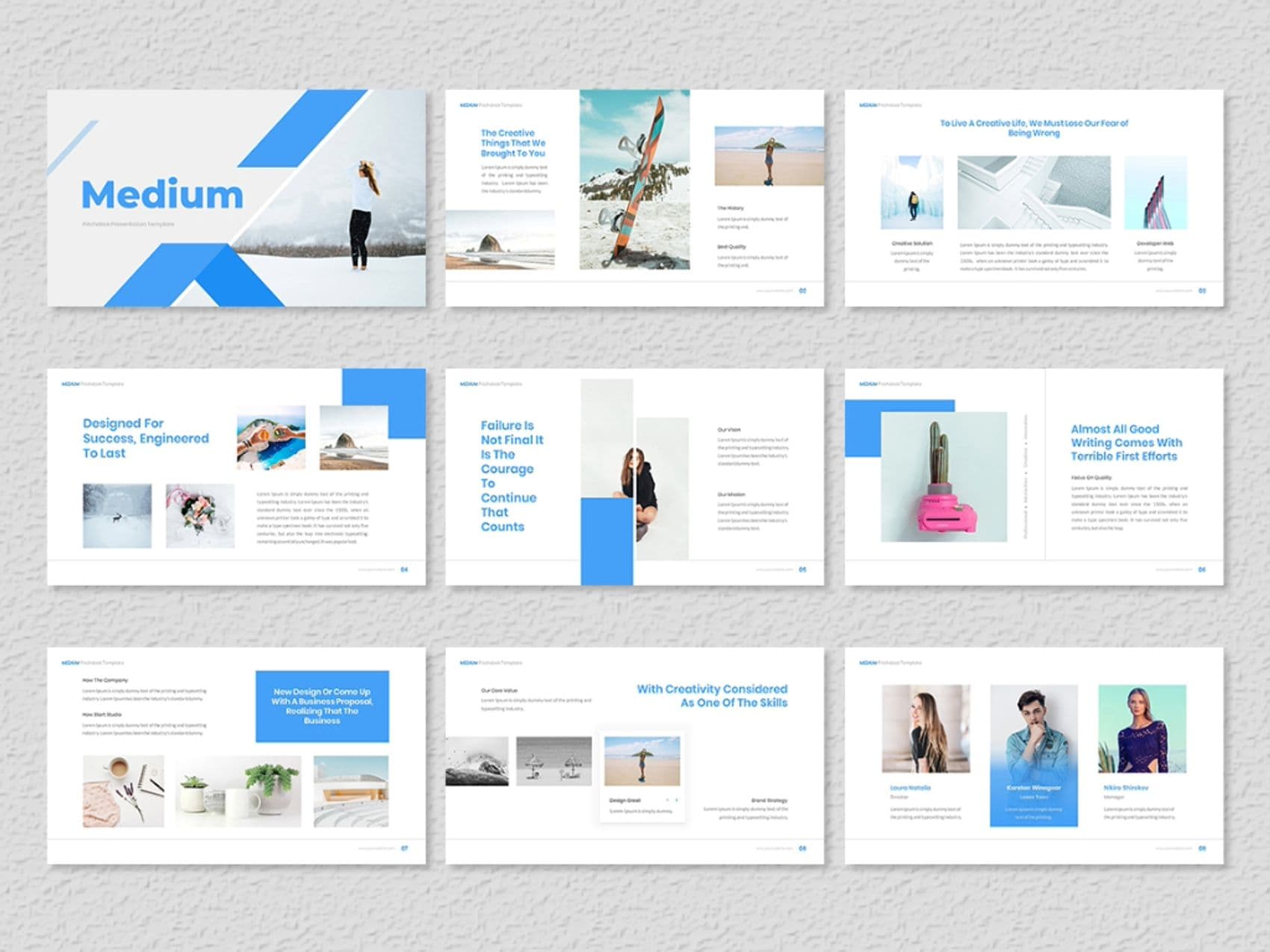
The Medium Pitch Deck Google Slides Presentation Template contains diverse slides which serve investors and business proposal presentation requirements. Your presentation should begin with the Medium Presentation slide followed by the Creative Solutions section that presents new innovative solutions. The To Live a Creative Life slide stresses the value of creativity followed by the Almost All Good Writing slide which delivers a motivational statement.
This deck provides two essential features that enable confident idea presentations by combining design for success strategies with solutions that reject final failure perspectives. Operations visibility comes through the How the Company Works slide along with the New Design or Business Proposal section for presenting upcoming major initiatives.
Lastly, dive into Market Analysis for a Business Plan to outline your strategy and finish with a Let's Keep in Touch slide for a lasting impression. And, of course, Infographic Slide Design makes it easy to represent data visually.
Don’t miss the chance to get started with this pitch deck template google slides and Get more templates for deck slides to elevate your presentations.
FAQ
How many slides is a slide deck?
A slide deck typically consists of 10-15 slides, though it can vary depending on the length and purpose of your presentation.
How do I create a slide deck?
To create a slide deck, start with an engaging title slide, followed by a clear structure that includes introduction, key points, visuals, and a conclusion. Our Google Slide Deck Templates make it easy for you to design a stunning presentation.
Example of included content:
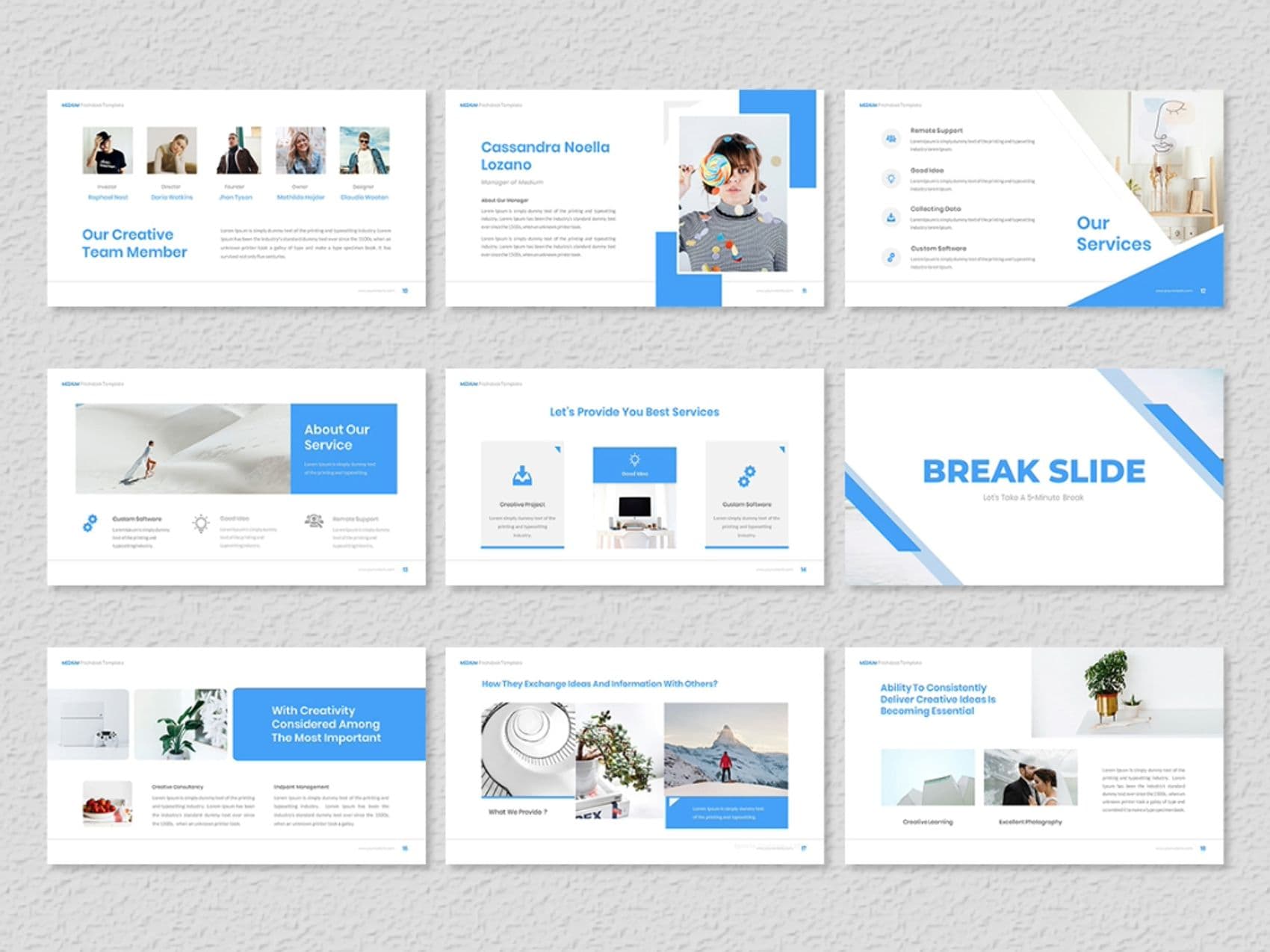
Medium Presentation | Creative Solutions | To Live a Creative Life | Almost All Good Writing | Designed for Success | Failure is Not Final | How the Company Works | New Design or Business Proposal | Our Creative Team Member | About Our Service | Provide You Best Services | Break Slide | With Creativity Considered | Ability to Consistently Deliver Ideas | Today's Employees Have a Vested Interest | Professional Mockup Devices | We Are Launching New Website | Market Analysis for a Business Plan | Let's Keep in Touch | Infographic Slide Design | Thanks
FEATURES:
The price evolves with demand - the more popular, the higher it goes!
$1.00


we expect the price to increase after 30min, Catch it before the price goes up.
Share your feedback and help create a better shopping experience for everyone.
The project was handled efficiently with impressive professionalism.